


How I Use ChatGPT for Writing Without Losing My Voice
- Alex Martinez

- Sep 18, 2025
- 1 min read

A lot of people either misuse AI tools or don’t use them at all—even though these tools could make their work so much more efficient. From what I’ve seen, the main reason is simple: most people aren’t sure how to get the best results from them.
For me, AI has become part of my writing process. I run a LinkedIn newsletter, and every edition is built with the help of tools like ChatGPT. But here’s the key—I don’t just copy-paste whatever the AI spits out. I guide it with my own tone, I curate the content, and I make sure it’s factually accurate. In other words, the AI helps me move faster, but I stay in control of the message.
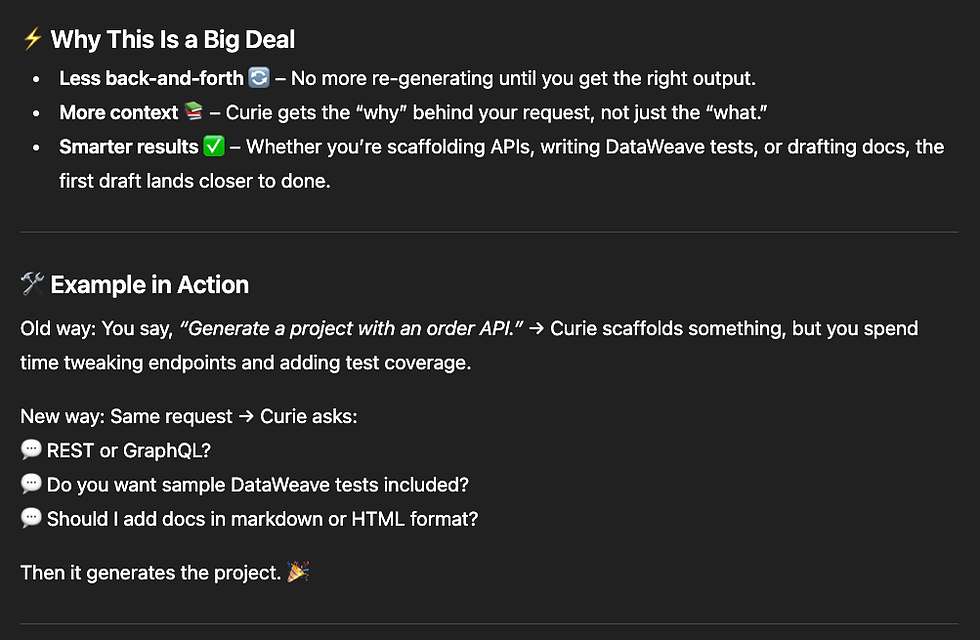
Take my latest newsletter on CurieTech AI as an example. I used ChatGPT to brainstorm and structure the post, then shaped it into something that sounded like me. That way, I saved time without losing my voice or letting the AI drift off track.
Note that this whole conversation took place in less than 10 minutes.




At the end of the day, AI is just a tool—it won’t replace your voice or your perspective. But if you know how to guide it, you can save time, avoid burnout, and still produce content that feels authentic and valuable. The trick isn’t to let AI do the work for you, but to let it work with you.


This is super helpful! I'm always looking for ways to boost my writing efficiency without sounding like a robot. Speaking of sounding like a robot, have you ever tried to Larp as the AI in a 60‑second prompt game? It's a fun way to see how real humans can be more creative than AI.